Best Free AI Video Generators 2026 (Tested & Ranked)
Best Free AI Video Generators 2026: I Tested 8 Tools So You Don’t Have To
When I ran the same prompt — “a red fox running through a snowy forest at dawn, cinematic” — through eight free AI video generators, the results ranged from genuinely impressive 5-second clips I’d use in a real project to a blurry, watermarked mess that looked like a GIF from 2009. The gap between the best and worst free tools in 2026 is enormous. This guide tells you exactly which ones are worth your time.
Bottom line upfront: Kling AI is the best free AI video generator in 2026. It gives you 66 daily credits, produces 1080p output without watermarks, and consistently outperforms every other free tier. If you want image-to-video specifically, HailuoAI (MiniMax) is a close second.
How I Tested These Tools
Every tool was tested with three identical prompts across different complexity levels: a simple nature scene, a product showcase shot, and a cinematic action sequence. I scored each on output quality (resolution, motion coherence, artifact presence), watermark/restriction policies, free tier generosity (daily limits, credit resets), and ease of use. No tool received credit for features locked behind a paywall.
The Best Free AI Video Generators in 2026: Ranked
1. Kling AI — Best Overall Free Tier
Free tier: 66 credits/day | Max resolution: 1080p | Watermark: None | Duration: Up to 5 seconds
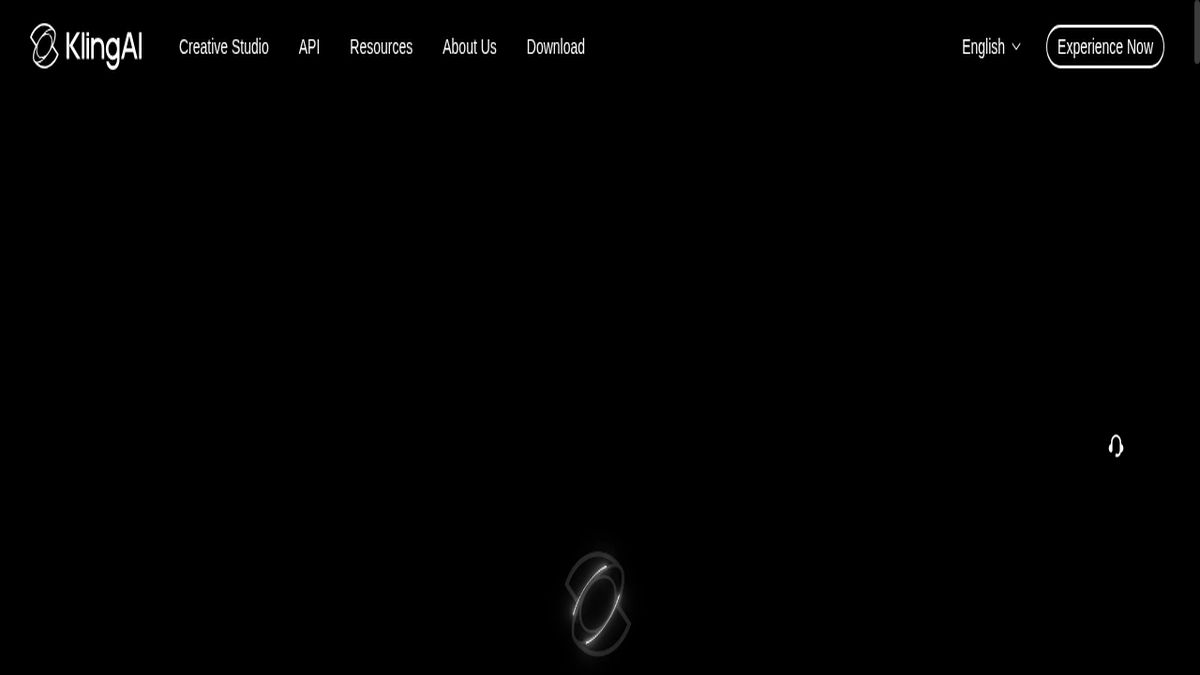
2. HailuoAI (MiniMax) — Best for Image-to-Video
Free tier: ~200 credits/month | Max resolution: 1080p | Watermark: None on standard | Duration: 6 seconds
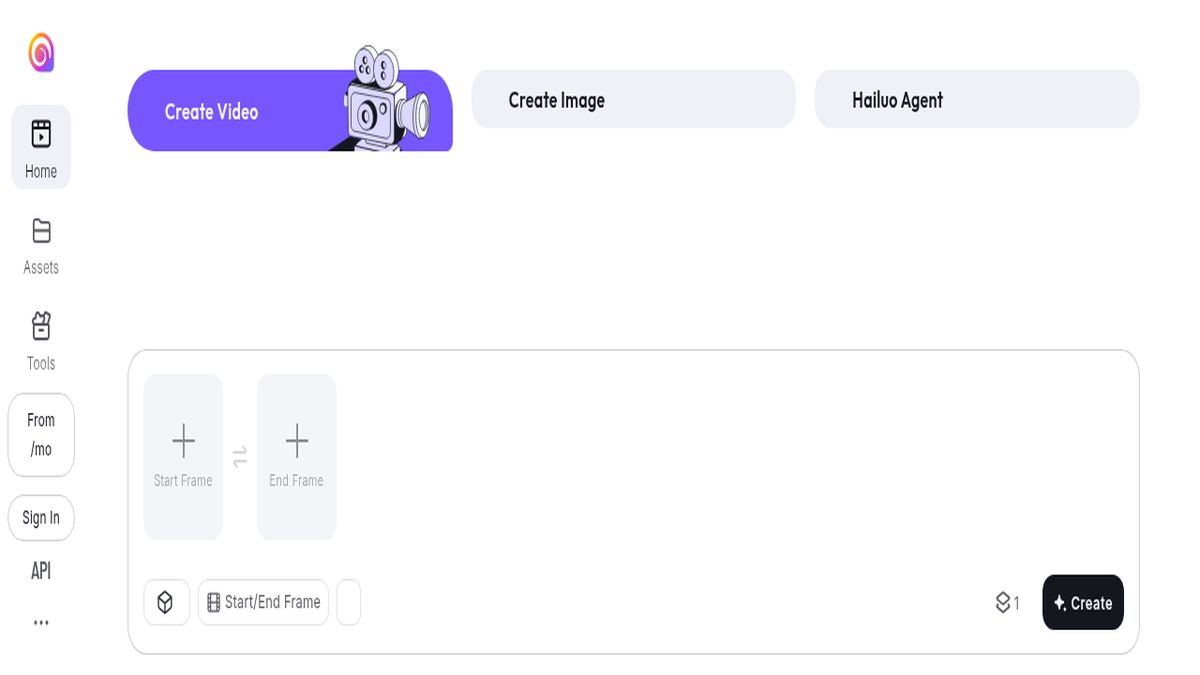
3. Pika 2.2 — Best Creative Controls
Free tier: 150 credits/month | Max resolution: 1080p | Watermark: Pika watermark on free tier | Duration: Up to 10 seconds
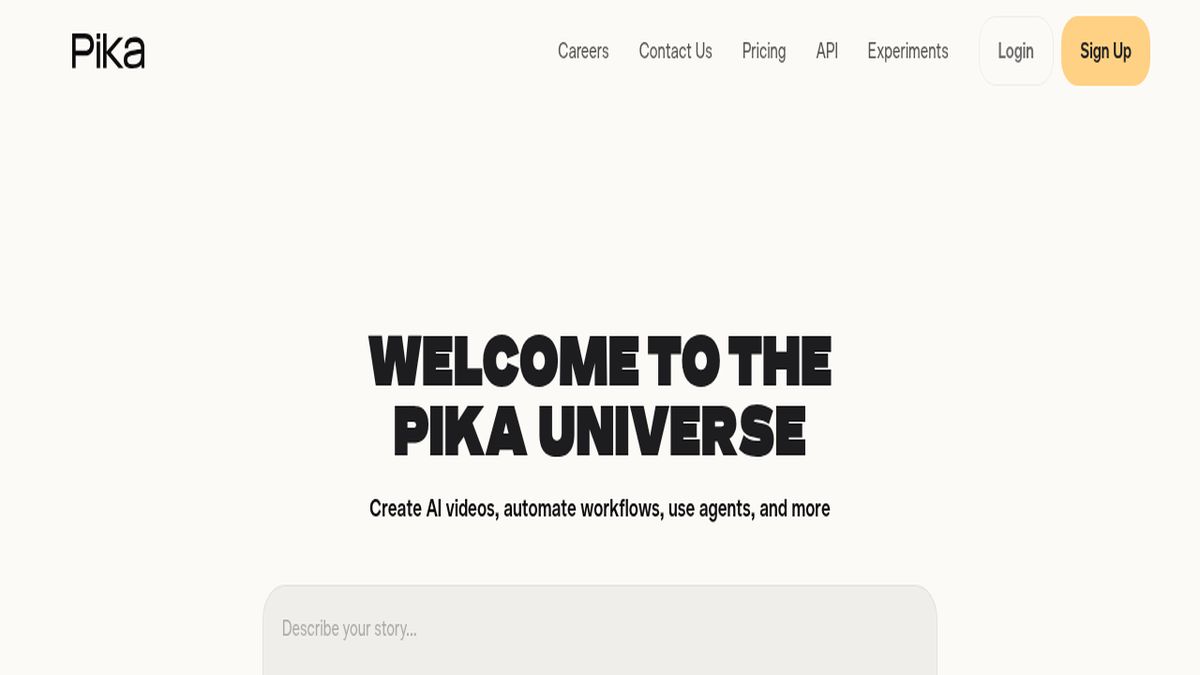
4. Luma Dream Machine — Best Look for Cinematic Shots
Free tier: 30 generations/month | Max resolution: 720p (free) | Watermark: Subtle watermark | Duration: 5 seconds
Luma’s output has a distinctive cinematic quality — lighting, color grading, and depth of field feel more intentional than competitors. The 30 monthly generations are stingy compared to Kling’s daily reset, and the 720p free cap stings. But for concept work or visual direction, the output quality justifies the limit.
5. Runway Gen-4 — Most Consistent Motion
Free tier: 125 credits one-time | Max resolution: 720p | Watermark: None | Duration: 5–10 seconds
Runway’s free tier is a one-time starter pack, not a recurring allowance — once the 125 credits are gone, you either pay or leave. That said, the quality is exceptional and the motion consistency across multi-second clips is the best in the category. Use the free tier to evaluate before committing to a paid plan.
6. Vidu AI — Best for Reference-Based Generation
Free tier: 80 credits/month | Max resolution: 1080p | Watermark: Vidu watermark | Duration: 4–8 seconds
Vidu’s “Reference-to-Video” feature lets you upload a character or object image and maintain consistency across multiple generations. This is uniquely powerful for product videos and character-based storytelling. The free tier is reasonable and resets monthly.
7. CapCut AI Video — Best for Social Media Clips
Free tier: Generous daily limit | Max resolution: 1080p | Watermark: CapCut watermark | Duration: 3–5 seconds
CapCut’s AI video generation sits inside a full editing suite, which is its main advantage. Generate a clip, then immediately trim, add captions, overlay music, and export — all without switching apps. The generation quality is the weakest on this list, but the workflow integration makes it the right choice for TikTok and Reels creators.
8. Sora (OpenAI) — Most Overhyped Free Tier
Free tier: Extremely limited (ChatGPT free) | Max resolution: 480p with watermark | Watermark: Yes | Duration: 5 seconds
Sora gets the most press but delivers the worst free-tier experience. The free version is throttled to 480p with a visible watermark and severely limited generations. The quality is exceptional — at ChatGPT Plus ($20/month) or Pro ($200/month). As a free tool, it’s the last option I’d recommend.
Head-to-Head Comparison Table
| Tool | Free Credits | Reset | Max Resolution | Watermark | Best For |
|---|---|---|---|---|---|
| Kling AI | 66/day | Daily | 1080p | None ✅ | Best overall |
| HailuoAI | ~200/month | Monthly | 1080p | None ✅ | Image-to-video |
| Pika 2.2 | 150/month | Monthly | 1080p | Yes | Creative control |
| Luma | 30/month | Monthly | 720p | Subtle | Cinematic quality |
| Runway Gen-4 | 125 one-time | Never resets | 720p | None ✅ | Trial only |
| Vidu AI | 80/month | Monthly | 1080p | Yes | Character consistency |
| CapCut AI | Daily limit | Daily | 1080p | Yes | Social media editing |
| Sora | Very limited | — | 480p | Yes | Not recommended free |
When to Upgrade: Is Paying Worth It?
The free tiers of Kling and HailuoAI are genuinely production-usable for most content creators. You only need to pay if you need more than 5–6 videos per day, 4K resolution, commercial licensing without restrictions, or priority queue access during peak hours.
For professional content production, Kling Standard at $8/month is among the best value in the AI video category — it multiplies your daily credits and removes generation queues. Runway’s Standard plan ($12/month) is worth it if you need the absolute best motion consistency.
Frequently Asked Questions
Which free AI video generator has no watermark?
Kling AI, HailuoAI, and Runway Gen-4 all produce watermark-free output on their free tiers. Kling is the best of the three because its 66 credits reset every day — Runway’s free credits are a one-time starter allocation.
Can I use free AI video generators commercially?
Most platforms restrict free-tier output to personal, non-commercial use. HailuoAI and Kling AI permit commercial use on paid plans. Always check the Terms of Service before using AI-generated video in paid client work or monetized YouTube content.
How many videos can I make per day for free?
Kling AI gives approximately 3–4 generations per day (66 daily credits). HailuoAI gives roughly 4–5 generations per day averaged across its monthly allowance. Pika 2.2’s 150 monthly credits average ~5/day but don’t reset daily. Luma’s 30 monthly generations works out to about 1 per day.
Is Sora free to use in 2026?
Sora is technically accessible through ChatGPT’s free tier, but it’s throttled to 480p with a watermark and very few generations. Real Sora access requires ChatGPT Plus ($20/month) or Pro ($200/month). It’s not a viable free tool.
What’s the best AI video generator for beginners?
Kling AI — daily credit reset, no watermark, 1080p, and a simple text-to-video interface that requires no technical knowledge. CapCut AI Video is a strong second if you want generation and editing in one app.
Last tested: June 2026. Credit limits and features change frequently — verify current free tier details on each platform before signing up.