
DeepSeek Image Generator: What It Can Do + Best Alternatives 2026
DeepSeek Image Generator: What It Can Do + Best Alternatives 2026
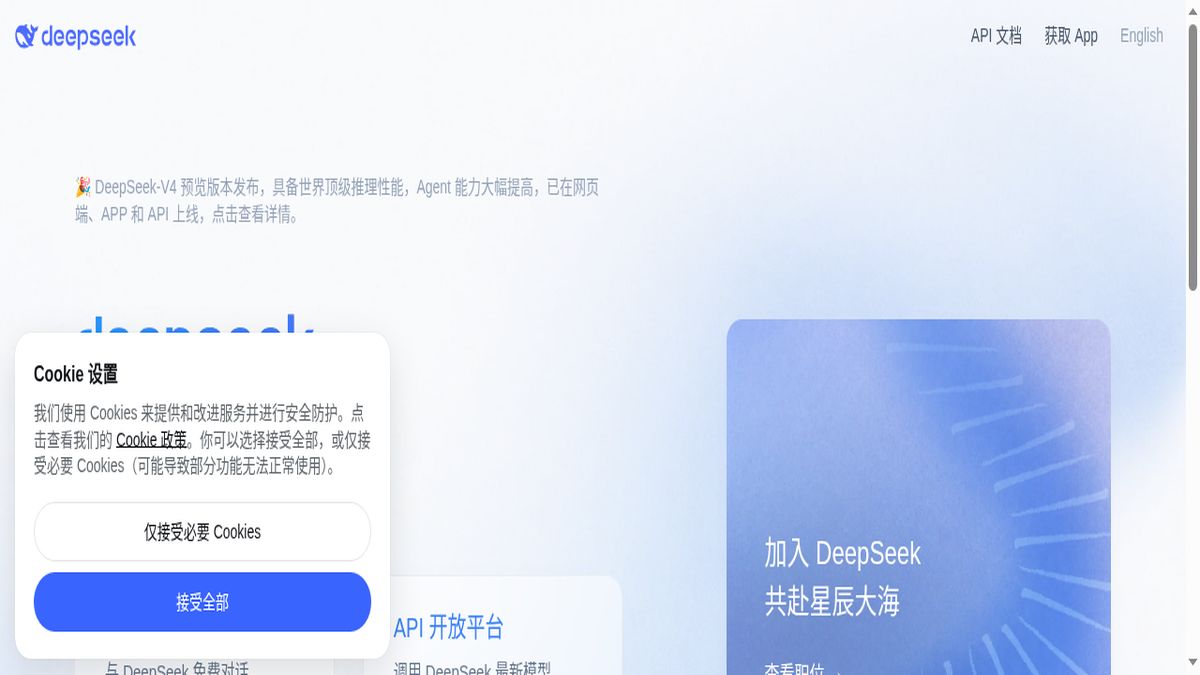
I typed “generate a photorealistic image of a red fox in a snowy forest” into DeepSeek’s chat interface. It responded with a detailed text description of what such an image would look like — the lighting, the composition, the color palette. But it didn’t generate the image. That’s the first thing you need to understand: DeepSeek does not have a native image generator. It can describe images, analyze images you upload, and help you craft prompts for other tools — but it cannot create images itself.
Bottom line upfront: If you’re looking for free AI image generation, DeepSeek isn’t your tool. But it’s an excellent free LLM that can supercharge your image generation workflow when paired with a dedicated image tool like Leonardo.ai (free tier), Ideogram (free tier), or Flux (open source). This guide explains exactly what DeepSeek can do visually, and ranks the best free alternatives for actual image generation.
What DeepSeek Can Actually Do with Images
DeepSeek V3 and DeepSeek R1 are large language models — not multimodal image generators. Here’s what they can do when you mention images:
1. Describe images in detail. Ask DeepSeek to describe a scene and it produces vivid, technically precise descriptions — lighting, camera angle, art style, color palette. These descriptions are excellent starting points for prompts in actual image generators.
2. Analyze uploaded images. If you upload an image, DeepSeek can describe what’s in it, identify objects, suggest improvements, and critique composition. This is genuinely useful for iterating on AI-generated images.
3. Write optimized prompts. DeepSeek excels at crafting detailed, structured prompts for Midjourney, DALL-E 3, Stable Diffusion, and other image generators. Ask it to “write a Midjourney prompt for a cinematic fox scene” and it produces professional-grade prompt engineering.
4. Suggest alternatives. Ask DeepSeek “what’s the best free AI image generator?” and it recommends tools with accurate information about features and limitations.
What DeepSeek cannot do: generate images, edit images, create variations, or produce any visual output. It’s a text-only model.
The Best Free AI Image Generators to Pair with DeepSeek
Since DeepSeek can’t generate images, here are the best free tools that can — ranked by quality, free tier generosity, and ease of use. Use DeepSeek to craft your prompts, then paste them into one of these tools.
1. Leonardo.ai — Best Free Midjourney Alternative
Free tier: 150 tokens/day | Max resolution: 1024×1024 (free) | Watermark: None | Best for: Artistic images, character design
2. Ideogram 3 — Best for Text-in-Image
Free tier: ~25 generations/day | Max resolution: 1024×1024 | Watermark: None | Best for: Logos, posters, images with text
Ideogram is the only free AI image generator that reliably renders text inside images — logos, headlines, labels, signage. If your project needs words baked into the visual, Ideogram is the tool. Free tier is limited but sufficient for daily use.
3. Flux 1.1 (Open Source) — Best for Self-Hosting
Free tier: Unlimited (self-hosted) | Max resolution: Up to 2048×2048 | Watermark: None | Best for: Privacy, unlimited generation, developers
Flux is an open-source image generation model you can run locally. No daily limits, no watermarks, no data sent to third parties. Requires a decent GPU (8GB+ VRAM) but produces quality comparable to Midjourney. Perfect for users who want unlimited free generation and have the hardware.
4. Adobe Firefly (Free Tier) — Best for Commercial Safety
Free tier: 25 generative credits/month | Max resolution: 1024×1024 | Watermark: None | Best for: Commercial-safe images
Adobe Firefly is trained only on licensed content, making its output commercially safe — a critical distinction for businesses. The 25 monthly credits are limited, but for occasional commercial use, it’s the safest free option.
5. Microsoft Copilot Designer (Free) — Easiest to Use
Free tier: ~15 boosts/day | Max resolution: 1024×1024 | Watermark: None | Best for: Quick, casual generation
Microsoft Copilot Designer (formerly Bing Image Creator) uses DALL-E 3 under the hood and is completely free with a Microsoft account. No watermarks, fast generation, and the quality matches DALL-E 3’s paid output. The simplest path to free AI image generation.
Comparison Table: Free AI Image Generators
| Tool | Free Tier | Watermark | Best For | Pair with DeepSeek? |
|---|---|---|---|---|
| Leonardo.ai | 150 tokens/day | None ✅ | Artistic, character design | Excellent |
| Ideogram 3 | ~25/day | None ✅ | Text in images | Excellent |
| Flux 1.1 | Unlimited (self-hosted) | None ✅ | Privacy, developers | Great |
| Adobe Firefly | 25 credits/month | None ✅ | Commercial safety | Good |
| Copilot Designer | ~15/day | None ✅ | Quick casual use | Good |
How to Build a Free AI Image Workflow with DeepSeek
Here’s the workflow I use to get professional results without paying for any tool:
Step 1: Describe your vision to DeepSeek in plain language. “I want an image of a futuristic city at dusk, cyberpunk style, with flying vehicles and neon signs.”
Step 2: Ask DeepSeek to convert that into an optimized prompt: “Turn this into a detailed prompt for Leonardo.ai with style modifiers and negative prompts.”
Step 3: Copy the prompt into Leonardo.ai (free tier). Generate the image.
Step 4: Upload the result back to DeepSeek and ask: “How can I improve this image? What’s missing?” DeepSeek will critique composition, suggest prompt modifications, and help you iterate.
Step 5: Refine the prompt based on DeepSeek’s feedback and regenerate in Leonardo.
This workflow produces results that rival paid Midjourney subscriptions — and it’s completely free.
Why DeepSeek Matters for Image Generation
You might wonder why a text model matters in an image generation guide. The answer: prompt engineering is the single biggest factor in image quality. A well-crafted prompt in a free tool outperforms a lazy prompt in a paid tool every time.
DeepSeek is free, open-source, has no usage limits, and produces prompt engineering quality that matches or exceeds GPT-4o. For anyone serious about getting the best results from free image generators, DeepSeek is the best prompt-writing companion available.
Frequently Asked Questions
Does DeepSeek generate images?
No. DeepSeek V3 and R1 are text-only language models. They cannot generate, edit, or create images. They can describe images, analyze uploaded images, and write optimized prompts for image generators — but they don’t produce visual output.
What’s the best free alternative to DeepSeek for image generation?
Leonardo.ai is the best free image generator. It offers 150 daily tokens, produces high-quality output across multiple styles, and doesn’t watermark free-tier downloads. For text-in-image, use Ideogram 3. For unlimited free generation with privacy, self-host Flux 1.1.
Can I use DeepSeek to write Midjourney prompts?
Yes. DeepSeek excels at writing structured, detailed prompts for Midjourney, DALL-E 3, Stable Diffusion, and Leonardo.ai. Ask it to “write a Midjourney v7 prompt with aspect ratio, style reference, and negative prompts” and it produces professional-grade output.
Is DeepSeek image generator free?
DeepSeek itself is free and open-source. However, it does not generate images. To generate images for free, pair DeepSeek with Leonardo.ai (free tier), Microsoft Copilot Designer (free), or self-hosted Flux 1.1 (unlimited free).
What’s the best completely free AI image workflow?
Use DeepSeek (free) to write optimized prompts → paste into Leonardo.ai (150 free tokens/day) → upload results back to DeepSeek for critique → refine and regenerate. This workflow is 100% free and produces results that rival paid subscriptions.
Related: Best AI Image Generators 2026 (Free, Paid & Tested) | Prompt Engineering: How to Write Better AI Image Prompts | Flux vs. Midjourney: Which Image Generator Wins in 2026?