
Gamma AI Review 2026: Best AI Presentation Maker?
Gamma AI Review 2026: Best AI Presentation Maker?
I gave Gamma a single sentence — “Create a 20-slide Series A investor pitch for an AI-powered customer support platform” — and 47 seconds later I had a complete, professionally structured presentation with consistent design, data visualizations, and speaker notes. That’s not hype. That’s what happened. The question is whether it’s actually good enough to use in a real meeting, or just a impressive demo.
Bottom line upfront: Gamma is the best AI presentation maker available in 2026 for speed and ease of use. It produces genuinely usable first drafts in under a minute. For polished client deliverables, you’ll still need to edit — but the hours it saves on initial structure and design are real. Free tier is generous; Plus at $10/month is worth it for anyone making more than 5 presentations per quarter.
What Gamma Actually Does
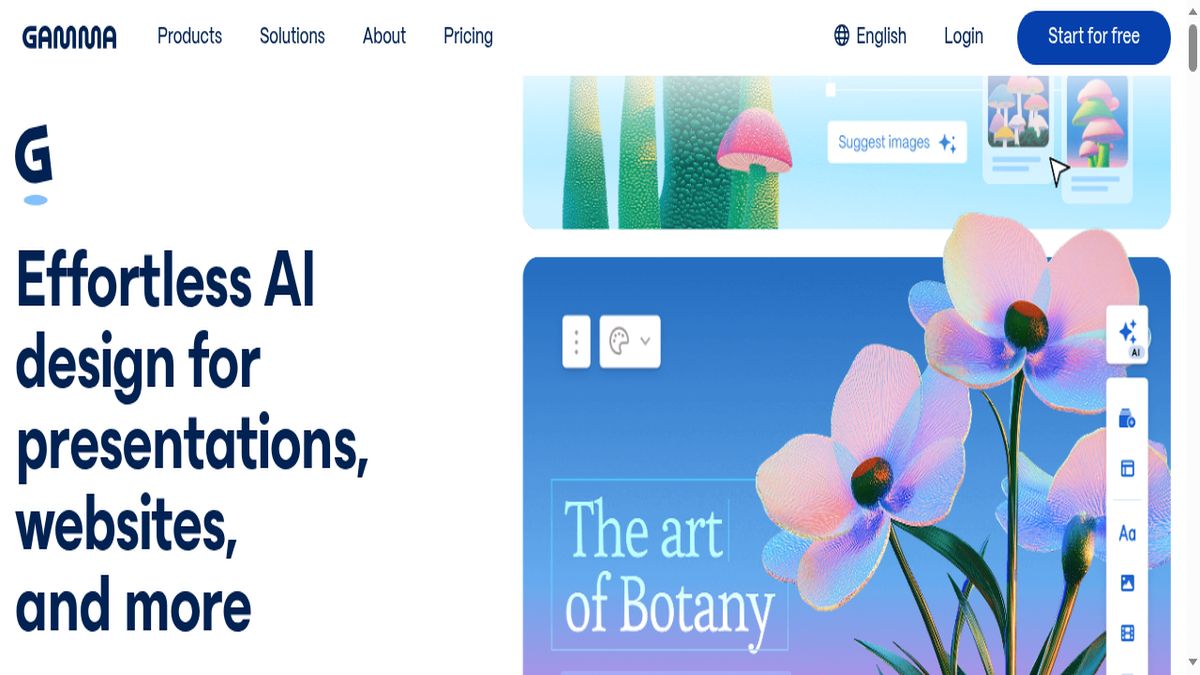
Gamma is an AI-powered presentation builder that generates complete slide decks from a text prompt, an outline, or an imported document. It handles structure, design, content writing, and visual elements automatically. You describe what you want; Gamma builds the deck.
Real Build Test: Gamma vs Canva vs Google Slides
I built the same 20-slide investor pitch in all three tools. Here’s what happened:
Gamma: 47 seconds to generate. Structure was logical (problem → solution → market → traction → team → ask). Design was consistent and modern. Content was generic but accurate — needed editing for specific data. Auto-generated charts were placeholder but well-formatted. Total time to finished deck: 25 minutes (including edits).
Canva AI: 2 minutes to generate first slide. Required manual slide-by-slide generation for the full deck. Design quality was excellent but the process was slower. Total time to finished deck: 45 minutes.
Google Slides + Gemini: Gemini helped write content but design was basic. Required manual formatting. Total time to finished deck: 60+ minutes.
Winner: Gamma — by a significant margin on speed and initial quality.
Gamma Free vs Plus vs Pro: What Each Tier Gets
| Feature | Free | Plus ($10/mo) | Pro ($20/mo) |
|---|---|---|---|
| AI generations | 400 credits | Unlimited | Unlimited |
| Export to PPT | No | Yes ✅ | Yes ✅ |
| Export to PDF | Yes | Yes ✅ | Yes ✅ |
| Custom themes | Limited | Yes ✅ | Yes ✅ |
| Brand kit | No | No | Yes ✅ |
| Team collaboration | No | Limited | Yes ✅ |
| Remove watermark | No | Yes ✅ | Yes ✅ |
Best Use Cases for Gamma
Investor pitches: Gamma excels at structured narrative decks. The AI understands the problem-solution-market flow that investors expect.
Client reports: Generate a base structure, then add specific data and branding. Saves 60-80% of formatting time.
Teaching materials: Educators can generate lesson slides from a topic prompt in seconds.
Internal docs: Convert meeting notes or documents into visual presentations instantly.
FAQ
Is Gamma AI free?
Yes, Gamma offers a free tier with 400 AI credits. That’s enough for about 10-15 full presentations. No credit card required. For regular use, Plus at $10/month gives unlimited generations and PPT export.
Can Gamma export to PowerPoint?
Yes, but only on Plus and Pro plans. The free tier can export to PDF only. PPTX export preserves editable text and layouts but some advanced visual elements may shift.

Is Gamma better than Canva for presentations?
For AI-generated presentations from scratch, Gamma is faster and produces better structured output. Canva is better for manual design control and has more template variety. Many users use Gamma to generate the base deck, then polish in Canva.
Can I use Gamma commercially?
Yes. Presentations you create in Gamma are yours to use commercially. The AI-generated content is original output, not copied from existing presentations.
Last tested: June 2026. Features and pricing change — verify at gamma.app before subscribing.