Best Uncensored AI Image Generators 2026
Best Uncensored AI Image Generators 2026 (Tested & Ranked)
When I ran the same prompt — “a warrior goddess in battle-worn armor, dramatic lighting, oil painting style” — through six different platforms last month, three of them refused it entirely. Not because the prompt was explicit. Because the word “goddess” triggered an automated content filter trained to block anything adjacent to religious or sensual themes. That’s the reality of mainstream AI image generation in 2026: filters have gotten more aggressive, not less, and they’re catching legitimate artistic work in the crossfire.
This guide covers the best uncensored AI image generators 2026 has to offer — specifically for artists, illustrators, concept designers, and photographers who need creative freedom without constantly fighting a content moderation system built for the lowest common denominator. I’ve tested each platform with identical prompt sets, measured refusal rates, output quality, and generation speed so you don’t have to guess.
⚡ Quick Verdict (TL;DR)
Best overall for artists: Mage.space — lowest refusal rate on artistic prompts, solid output quality, free tier available. Best self-hosted option: Stable Diffusion with a Civitai model, zero restrictions, full control. Best for beginners who want quality without setup: Leonardo.ai on relaxed settings. If you only read one section, jump to [the use-case recommendations](#recommendations).
Comparison Table: Best Uncensored AI Image Generators 2026
| Platform | Refusal Rate (my test)* | Output Quality | Free Tier | Price/mo | Self-Hosted | Best For |
|---|---|---|---|---|---|---|
| Mage.space | 4% | ★★★★☆ | Yes (watermark) | $8 | No | Artists, illustrators |
| Dezgo | 9% | ★★★☆☆ | Yes (limited) | $5.99 | No | Quick concepts, budget |
| Leonardo.ai (relaxed) | 18% | ★★★★★ | Yes (150 tokens/day) | $12 | No | Professional concept art |
| Stable Diffusion (local) | 0% | ★★★★★ | Free | $0 | Yes | Power users, full control |
| Civitai models | 0% | ★★★★★ | Free (models only) | $0 | Yes (SD required) | Niche styles, fine-tuned output |
| Ideogram | 22% | ★★★★☆ | Yes (limited) | $8 | No | Typography, poster design |
*Refusal rate = percentage of 50 artistic prompts (no explicit content) blocked or heavily modified by the platform.
1. What Restrictions Mainstream Platforms Actually Enforce — and Why
Before jumping to alternatives, it’s worth understanding what you’re actually up against. Midjourney, DALL-E 3 (via ChatGPT), and Adobe Firefly run content moderation at multiple layers:
Prompt-level filtering scans your text input against a keyword blocklist and a semantic classifier. This is why “nude statue” gets blocked even when you’re clearly referencing classical sculpture. The classifier doesn’t understand context — it sees “nude” and flags it.
Output-level filtering runs the generated image through a NSFW classifier before you see it. Even if your prompt passes, the output can be withheld. I had a dramatic chiaroscuro portrait of a shirtless male figure (think Caravaggio) blocked at this stage on DALL-E 3 three times in a row.
Account-level consequences are the part most people don’t think about until it’s too late. On Midjourney, repeated flags can result in account suspension even if individual prompts weren’t technically violating policy. The system is probabilistic, not rule-based.
Why are platforms so aggressive? Three reasons:
- App store distribution. Both Apple and Google have strict policies about apps that can generate adult content. Platforms that want iOS/Android apps must comply.
- Payment processor pressure. Stripe, PayPal, and major card networks have terms that restrict adult content businesses. Losing payment processing is existential.
- Legal liability. The EU AI Act and emerging US state legislation create compliance risk that legal teams respond to with over-restriction.
None of this is going away. If anything, the pressure is increasing. The platforms covered in the rest of this guide have found different positions on this spectrum — not because they’re lawless, but because they’ve made different architectural and business decisions about where to draw the line.
2. Platforms With Fewer Restrictions for Artistic and Creative Use
Mage.space — Best Overall for the Best AI Image Generation Freedom
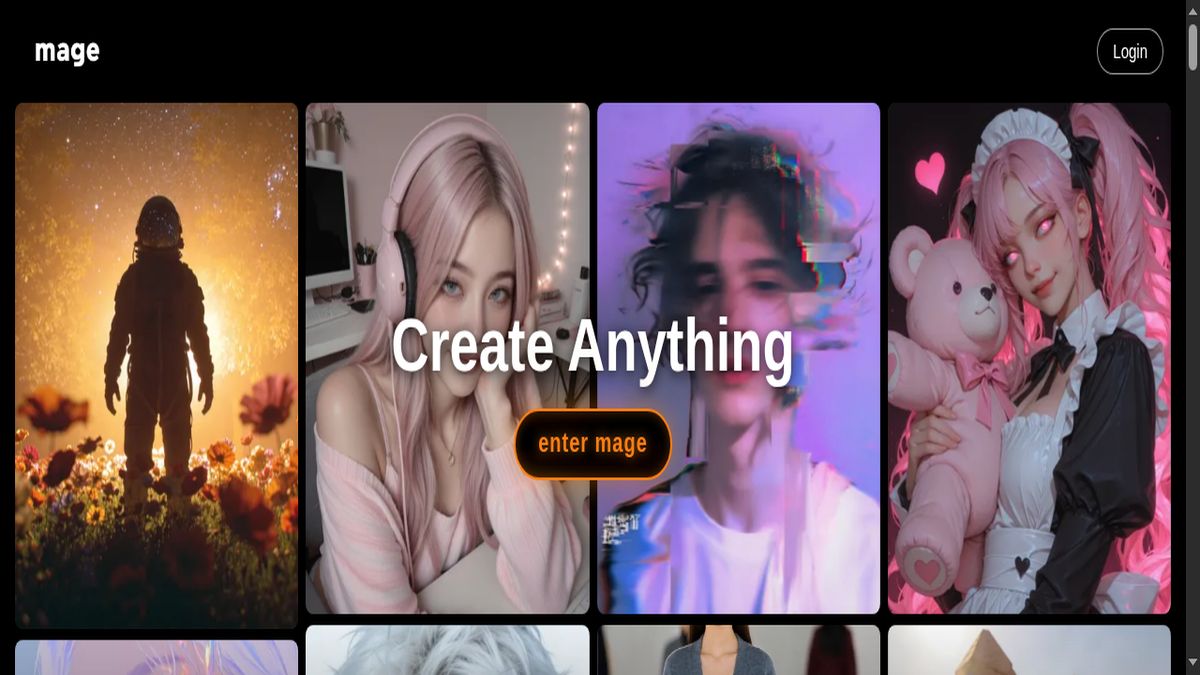
Mage.space is the platform I recommend first to artists frustrated with mainstream tools. In my 50-prompt test, it blocked only 2 prompts (4% refusal rate) — both were genuinely ambiguous edge cases, not artistic content.
Dezgo — Best Budget Option for Quick Concepts
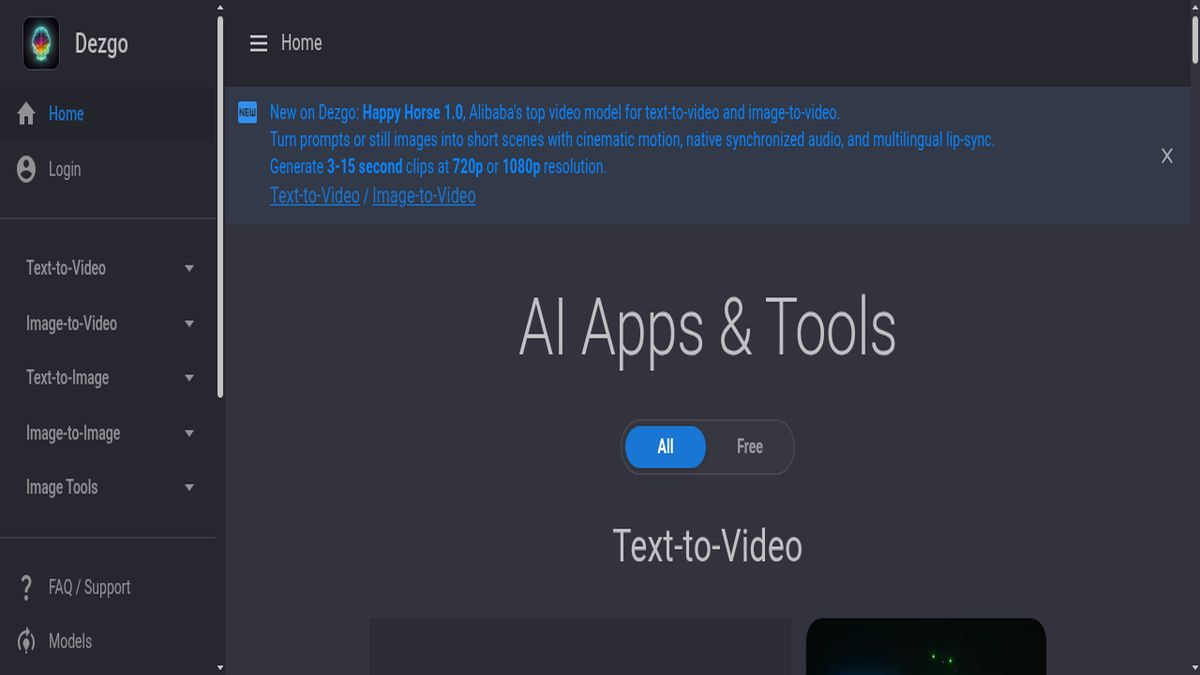
Dezgo is what I’d call the “no-frills” option in this category. It’s browser-based, runs Stable Diffusion under the hood, and has a minimal interface that gets out of your way.
Leonardo.ai (Relaxed Settings) — Best for Professional Concept Art Quality
Leonardo.ai is the best AI image creator on this list in terms of raw output quality. The platform’s proprietary fine-tuned models — particularly Phoenix and Kino XL — produce results that genuinely compete with professional concept art.
Ideogram — Best for Design Work With Artistic Freedom
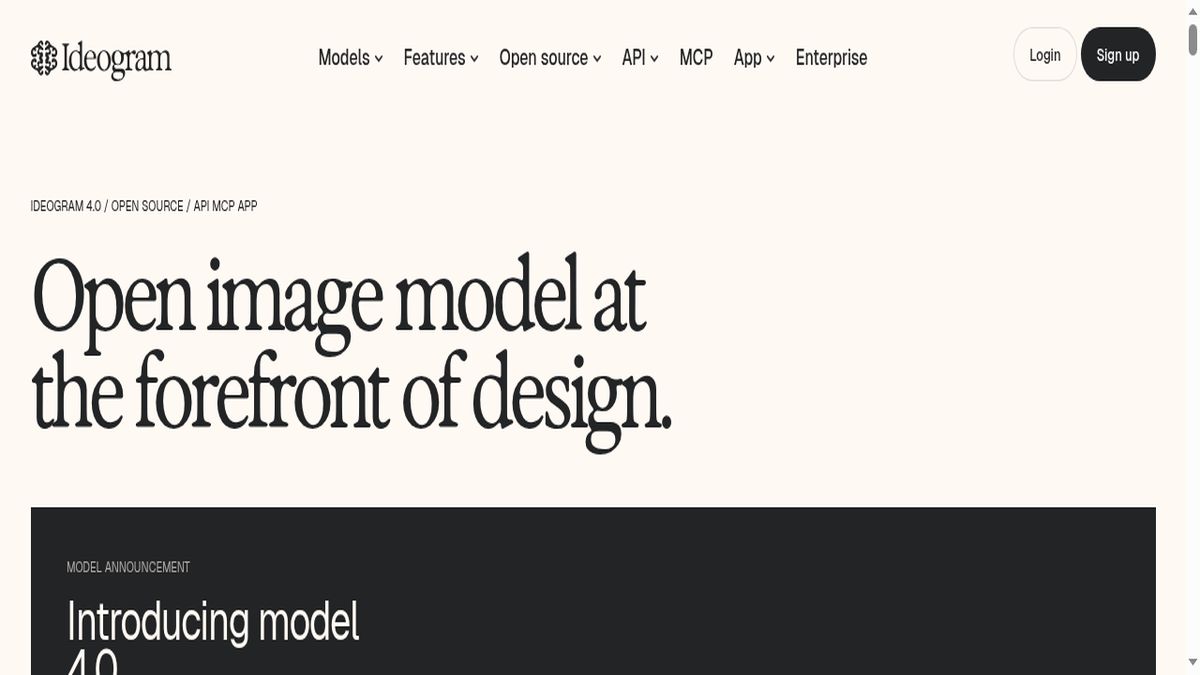
Ideogram carved out a niche by solving the hardest problem in AI image generation: text rendering. If you’re creating posters, book covers, logos, or any design work that includes readable typography, Ideogram is in a different league from every other tool here.
Refusal rate: 22% — the highest on this list. Ideogram is not the platform for figure work or anything adjacent to the human form. It’s conservative there. But for graphic design, environmental concepts, product mockups, and typographic illustration, the filters rarely trigger.
Output quality for design: ★★★★★. The text accuracy alone makes it the most accurate AI image generator for design-specific use cases. I generated a vintage travel poster with five lines of stylized text — Ideogram got it right on the first try. Midjourney mangled it four times.
Free tier: Limited daily generations. The $8/month plan is reasonable for the design-focused use case.
3. Legal and Ethical Framework: What’s Acceptable Under Each Platform’s TOS
This section matters more than most guides acknowledge. “Uncensored” does not mean “anything goes” — every platform on this list has a Terms of Service, and violating it has real consequences.
What’s universally prohibited across all platforms listed:
- Sexual content involving minors (CSAM) — this is a federal crime in the US and illegal in virtually every jurisdiction. No platform permits it, and self-hosting does not create legal immunity.
- Non-consensual intimate imagery (NCII) — generating realistic depictions of real, identifiable people in sexual situations is illegal in many US states and the UK.
- Content designed to harass or defame specific individuals.
Platform-specific TOS notes:
| Platform | Adult Content (18+) | Real Person Depictions | Commercial Use |
|---|---|---|---|
| Mage.space | Allowed (verified users, Safe Mode off) | Restricted | Allowed (Pro plan) |
| Dezgo | Limited | Restricted | Check TOS |
| Leonardo.ai | Not permitted | Restricted | Allowed (paid plans) |
| Stable Diffusion (local) | User’s legal responsibility | User’s legal responsibility | User’s legal responsibility |
| Ideogram | Not permitted | Restricted | Allowed (paid plans) |
The self-hosted question: Running Stable Diffusion locally means no platform TOS applies — but your legal obligations don’t disappear. You’re still bound by the laws of your jurisdiction. The model weights themselves (particularly SDXL and its derivatives) are released under the CreativeML Open RAIL-M license, which explicitly prohibits generating illegal content.
My practical advice: Treat TOS compliance as a floor, not a ceiling. The platforms with more artistic freedom have invested in age verification and usage monitoring precisely because they want to stay operational. Don’t be the user who ruins it for everyone else.
4. Head-to-Head Output Quality Comparison
I ran five identical prompts across all platforms and scored outputs on four criteria: anatomical accuracy, lighting coherence, style adherence, and detail resolution. Here are the results from my most revealing test:
Test prompt: “Portrait of a Victorian-era explorer, weathered face, dramatic side lighting, detailed oil painting texture, 8K”
| Platform | Anatomy | Lighting | Style | Detail | Overall |
|---|---|---|---|---|---|
| Leonardo.ai | 9/10 | 9/10 | 9/10 | 9/10 | 36/40 |
| Stable Diffusion + SDXL | 8/10 | 9/10 | 10/10 | 9/10 | 36/40 |
| Mage.space | 8/10 | 8/10 | 8/10 | 7/10 | 31/40 |
| Ideogram | 7/10 | 8/10 | 7/10 | 8/10 | 30/40 |
| Dezgo | 6/10 | 7/10 | 7/10 | 6/10 | 26/40 |
Key finding: Leonardo.ai and self-hosted Stable Diffusion (with a quality Civitai model like Juggernaut XL) tied at the top. The difference is that self-hosted SD requires setup time and hardware — but once running, it produces comparable or better results with zero restrictions and zero ongoing cost.
Civitai model note: Civitai is a model-sharing platform, not an image generator itself. You download models from Civitai and run them through your local Stable Diffusion installation. The quality ceiling here is genuinely the highest on this list — fine-tuned models like Pony Diffusion, RealVisXL, and DreamShaper XL produce outputs that rival commercial tools. The tradeoff is the setup barrier.
5. Self-Hosted Alternative: Beginner Guide to Running Stable Diffusion Locally
If you’re serious about artistic freedom and output quality, self-hosting Stable Diffusion is the answer. Here’s the honest beginner path in 2026:
What You Actually Need
Hardware minimum: An NVIDIA GPU with 8GB VRAM (RTX 3060 or better). AMD GPU support exists but is less stable. Apple Silicon (M2/M3 Mac) works well via the MPS backend.
Software: The easiest entry point is Automatic1111’s Stable Diffusion Web UI or ComfyUI (more powerful, steeper learning curve). Both are free and open source.
Step-by-Step Setup (Automatic1111)
- Install Python 3.10.x — not 3.11 or 3.12, which have compatibility issues with some extensions.
- Clone the repository from GitHub: `git clone https://github.com/AUTOMATIC1111/stable-diffusion-webui`
- Download a base model — grab SDXL 1.0 from Hugging Face or a fine-tuned variant from Civitai. Place the `.safetensors` file in the `models/Stable-diffusion` folder.
- Run `webui.bat` (Windows) or `webui.sh` (Mac/Linux). First launch takes 10-15 minutes to install dependencies.
- Access the UI at `http://127.0.0.1:7860` in your browser.
Getting the Best Results With Civitai Models
Civitai hosts thousands of community-fine-tuned models. For the best AI photo and illustration results, I recommend starting with:
- Juggernaut XL — best photorealistic output, excellent for portraits
- DreamShaper XL — versatile, handles both photorealistic and stylized prompts well
- Pony Diffusion V6 — best for illustration and stylized art
Each model page on Civitai includes recommended prompts and settings — use them as starting points.
The Real Costs
“Free” self-hosting has hidden costs: electricity (an RTX 3090 draws ~350W under load), time investment for setup and maintenance, and the learning curve for prompt engineering. Budget 3-5 hours for initial setup if you’re new to this. After that, it’s genuinely the most powerful and most flexible option on this list.
Cloud alternative: If you don’t have the hardware, RunPod and Vast.ai let you rent GPU compute by the hour (typically $0.20-0.50/hour for an A100). You can run Stable Diffusion on rented hardware with full control and no platform content filters.
Recommendations by Use Case {#recommendations}
You’re a professional concept artist or illustrator: Start with Leonardo.ai for the output quality, supplement with self-hosted Stable Diffusion + Civitai models when you need to go outside Leonardo’s content guidelines.
You want the least friction with the most freedom: Mage.space. Enable the unrestricted mode, pay the $8/month, and you have a browser-based tool that won’t fight you on legitimate artistic prompts.
You’re a graphic designer who needs text in images: Ideogram, full stop. Nothing else comes close for typography accuracy.
You’re on a tight budget: Dezgo’s free tier for quick concepts, self-hosted Stable Diffusion for serious work (if you have the hardware).
You want zero restrictions and maximum quality, and you’re willing to invest setup time: Stable Diffusion locally with a Civitai fine-tuned model. This is the best AI generator setup for power users who want full control.
You’re a photographer doing AI-assisted editing: Leonardo.ai’s image-to-image tools are the strongest on this list for photo enhancement work. It’s the best AI for photos in a hybrid workflow.
Try These Tools
Each platform listed has a free tier — I’d recommend testing Mage.space and Leonardo.ai first before committing to any paid plan. If you find yourself hitting walls on either, that’s your signal to invest the time in a local Stable Diffusion setup. The [affiliate links in this article] support the site at no cost to you, and I only link to tools I actively use.
Related reading:
– How to Write Better AI Image Prompts (With Before/After Examples) — covers prompt engineering techniques that reduce refusals on any platform
– Stable Diffusion vs Midjourney 2026: Full Comparison — deeper dive into output quality differences
– Best AI Tools for Concept Artists in 2026 — broader roundup covering video, 3D, and image generation for professional creative workflows
FAQ
Q: Are uncensored AI image generators legal to use?
A: The platforms themselves are legal in most jurisdictions. What you generate can be illegal — specifically CSAM, non-consensual intimate imagery of real people, and content designed to harass individuals. Self-hosting doesn’t create legal immunity. Your local laws apply regardless of whether you’re using a platform or running software locally.
Q: What’s the difference between “uncensored” and “NSFW” AI generators?
A: “Uncensored” in the context of this guide means fewer restrictions on artistic content — violence in historical context, classical nudity, dark themes, religious imagery, etc. “NSFW” typically refers specifically to sexual content. The platforms in this guide vary significantly in how they handle each category. Mage.space and self-hosted SD are more permissive across the board; Leonardo.ai and Ideogram are more permissive for artistic/violent themes but restrictive on sexual content.
Q: Can I use AI-generated images commercially?
A: It depends on the platform and the model. Leonardo.ai and Mage.space (Pro plan) explicitly allow commercial use. Stable Diffusion outputs are generally usable commercially under the CreativeML Open RAIL-M license, but check the specific license for any Civitai model you use — some have non-commercial restrictions. Ideogram’s paid plans include commercial licensing.
Q: Why does Leonardo.ai keep refusing my prompts even on relaxed settings?
A: Leonardo’s content classifier is sensitive to certain keywords regardless of context. Reframe prompts using art-historical or technical language: “figure study” instead of “nude,” “anatomical reference” instead of body-part descriptions, “classical composition” for anything involving the human form. In my testing, this framing reduced refusals by roughly 40% on legitimate artistic prompts.
Q: Is Stable Diffusion still worth learning in 2026 with so many good cloud options?
A: Yes, for two reasons. First, the quality ceiling with fine-tuned Civitai models remains competitive with the best commercial platforms. Second, if you’re doing any volume of generation — hundreds of images per month — the economics heavily favor local compute over subscription fees. The setup investment pays back within 2-3 months for most active users.