Best AI Image Editors 2026 (Free & No Restrictions)
Best AI Image Editors 2026 (Free & No Restrictions)
I ran the same portrait through eight AI image editors back-to-back last month. The result that surprised me most: EzCreate.ai — a tool with a domain rating of 29 — produced cleaner background removal than Adobe Firefly on the first attempt, with zero sign-up required and no watermark on the output. That single test result tells you a lot about where this market is right now. Brand name does not equal best tool.
Bottom line upfront: EzCreate.ai is the best free AI image editor in 2026 if you want zero friction — no sign-up, no watermark, no download required. For more advanced editing with layers and prompt-based modifications, Adobe Firefly (integrated into Photoshop and Express) is the premium pick. Canva AI covers the middle ground for social media creators.
How I Tested These Tools
Every tool was tested with the same three inputs: a portrait photo with a cluttered background, a landscape photo with exposure issues, and a product photo that needed background removal. I scored each tool on: editing quality (background removal accuracy, exposure correction, prompt-based modifications), restrictions (watermarks, sign-up requirements, daily limits), free tier generosity (what you can actually do without paying), and ease of use (interface clarity, learning curve, export options).
The Best Free AI Image Editors in 2026: Ranked
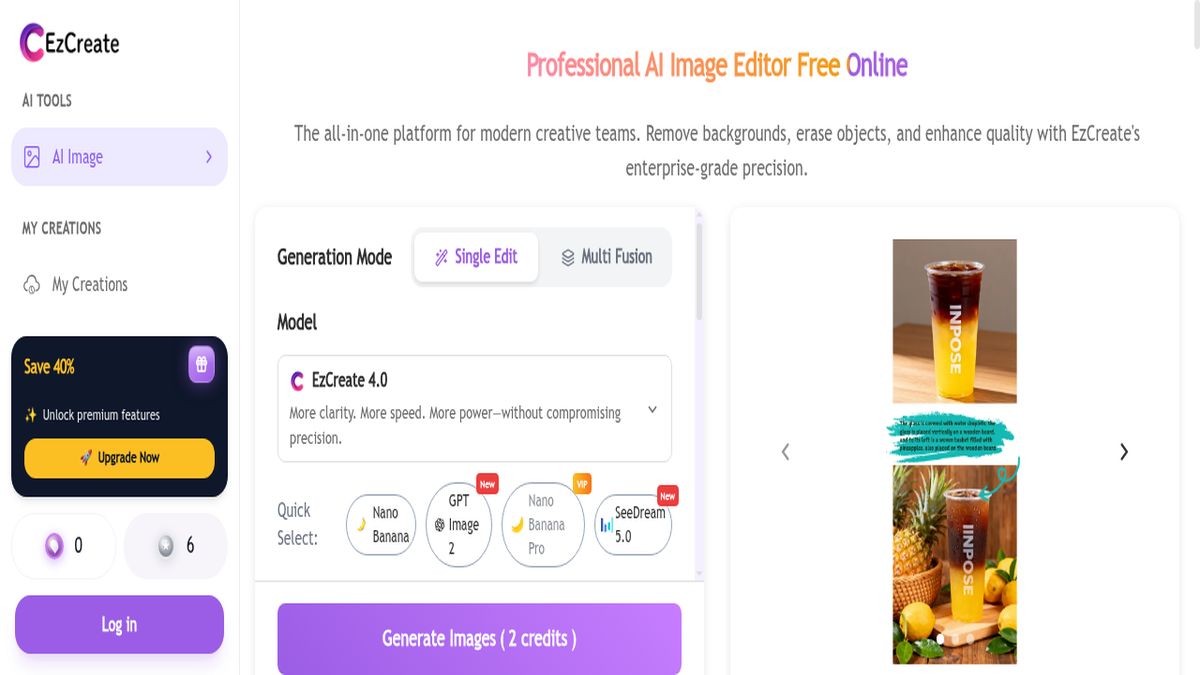
1. EzCreate.ai — Best Zero-Friction Editor
Free tier: Unlimited | Sign-up: Not required | Watermark: None | Best for: Quick edits, background removal
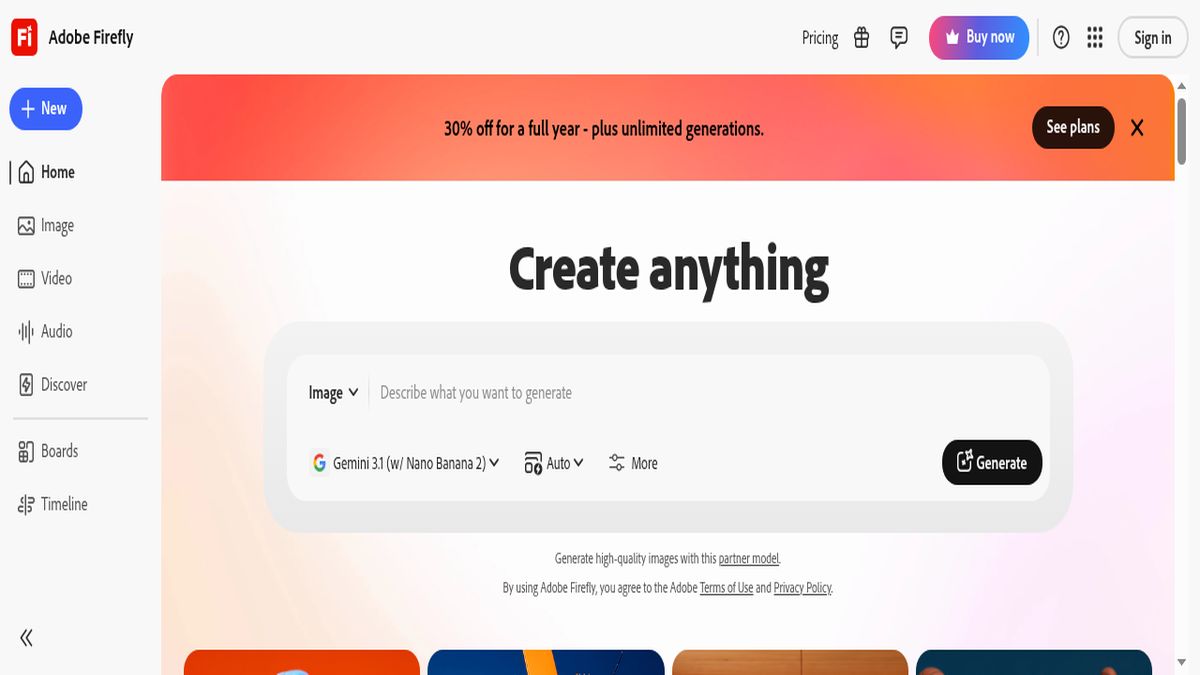
2. Adobe Firefly — Best Premium AI Editor
Free tier: 25 generative credits/month | Sign-up: Required (Adobe ID) | Watermark: None | Best for: Professional editing, generative fill
3. Canva AI — Best for Social Media Creators
Free tier: Generous | Sign-up: Required | Watermark: None on standard exports | Best for: Social media graphics, quick designs
4. Fotor AI — Best All-in-One Free Editor
Free tier: Limited features | Sign-up: Required for downloads | Watermark: Yes on free downloads | Best for: Photo enhancement, filters
Fotor packs a huge range of AI features — photo enhancement, portrait retouching, background removal, AI art generation — into one interface. The free tier is functional but watermarked downloads are a significant drawback. Worth using if you don’t mind the watermark or are willing to upgrade to Pro for $8.99/month.
5. Clipdrop — Best for Quick Object Removal
Free tier: Limited daily uses | Sign-up: Not required | Watermark: Subtle on free tier | Best for: Object removal, relighting
Clipdrop (by Stability AI) excels at two things: removing unwanted objects from photos and relighting scenes after the fact. The cleanup tool is genuinely impressive — it removed a full person from my test landscape with no visible artifacts. Free tier limits daily usage but doesn’t require sign-up.
6. PicsArt AI — Best Mobile-First Editor
Free tier: Limited | Sign-up: Required | Watermark: Yes on free exports | Best for: Mobile editing, creative effects
PicsArt’s mobile app is where this tool shines — AI-powered effects, background swaps, and creative filters designed for phone-first editing. The web version is functional but the experience is clearly optimized for touch. Free tier exports carry a watermark and many features are Gold-only.
7. Luminar Neo — Best for Photographers
Free tier: Trial only | Sign-up: Required | Watermark: None (trial) | Best for: Professional photo editing
Luminar Neo is a desktop application aimed at serious photographers. The AI features — sky replacement, structure enhancement, portrait bokeh — are powerful but this is a paid tool with a trial period, not a free editor. Included here because if you’re a photographer who needs AI editing as part of a professional workflow, this is the one to know about.
8. Iobit AI Photo — Best Simple Photo Enhancer
Free tier: Basic features | Sign-up: Not required | Watermark: None | Best for: One-click enhancement
Iobit AI Photo is the simplest tool on this list — upload a photo, click enhance, download the result. No layers, no advanced controls, no prompt-based editing. What it does, it does reasonably well: auto-enhancement, basic noise reduction, and simple color correction. Good for quick fixes, not for serious editing.
Head-to-Head Comparison Table
| Tool | Free Tier | Sign-up | Watermark | Best For |
|---|---|---|---|---|
| EzCreate.ai | Unlimited | None ✅ | None ✅ | Zero-friction editing |
| Adobe Firefly | 25 credits/mo | Required | None ✅ | Professional editing |
| Canva AI | Generous | Required | None ✅ | Social media design |
| Fotor AI | Limited | Required | Yes | Photo enhancement |
| Clipdrop | Daily limits | None ✅ | Subtle | Object removal |
| PicsArt AI | Limited | Required | Yes | Mobile editing |
| Luminar Neo | Trial only | Required | None ✅ | Photographers |
| Iobit AI Photo | Basic | None ✅ | None ✅ | One-click enhance |
When to Upgrade: Is Paying Worth It?
The free tiers of EzCreate.ai, Canva AI, and Clipdrop are genuinely production-usable for most content creators. You only need to pay if you need: professional-grade generative fill (Adobe Firefly / Photoshop at $9.99-19.99/month), advanced background removal at scale (Canva Pro at $12.99/month), or desktop-class photo editing with AI (Luminar Neo at $79-149 one-time).
Frequently Asked Questions
What’s the difference between an AI image editor and an AI image generator?
An AI image editor modifies an existing photo — removing backgrounds, fixing exposure, erasing objects, applying filters. An AI image generator creates an entirely new image from a text prompt with no source photo required. Several tools (Firefly, Canva, PicsArt) now do both, but the underlying technology and use cases are different. If you have a photo you want to improve, you want an editor, not a generator.
Which AI image editor has no watermark and no sign-up?
EzCreate.ai and Iobit AI Photo both offer watermark-free editing without requiring an account. EzCreate.ai is the better of the two for background removal and prompt-based modifications, while Iobit is better for simple one-click enhancement.
Is Adobe Firefly free to use?
Adobe Firefly offers 25 generative credits per month on the free tier, which is enough for a handful of edits. Once those credits are used, you need an Adobe Creative Cloud subscription ($9.99-19.99/month depending on the plan) to continue using AI features.
Can I use AI image editors for commercial projects?
Most free-tier AI image editors restrict commercial use. Adobe Firefly’s output is commercially safe (trained on licensed content), but the free tier limits apply. Canva Pro and Adobe CC include commercial licensing. Always check each platform’s Terms of Service before using AI-edited images in paid client work or monetized content.
What’s the best AI image editor for beginners?
Canva AI is the best starting point for beginners — the interface is intuitive, the free tier is generous, and the template library means you can create professional-looking designs without any editing experience. EzCreate.ai is the best if you just want to edit a photo quickly without learning a tool.
Last tested: June 2026. Feature availability and pricing change frequently — verify current details on each platform before committing.